Set a home place
Your home place is the one place Weather starts with. Once you set it, the Weather overview opens with its forecast, the radar map centers on it, and a search for the word weather shows it.
#Set your home place
- Find your place. Search for your ZIP code or city, or use Use my location. See Find the weather for a place.
- On the place's page, select Set as home, beside Follow.
- If Saved preferences is off, a box titled Enable cookies to set your home explains that your home place is kept in this browser. Select Enable cookies to continue, or Not now to stop.
- A short message says the place is your home place, and the button now reads Your home.

Set as home now reads Your home. Select it again to clear it.
- 1It now reads Your home; select it again to clear it
- 2Follow is separate
#What changes
-
The Weather overview opens with a Your home box: any alerts, the conditions now, the next hours and the next five days, with a Full forecast link.
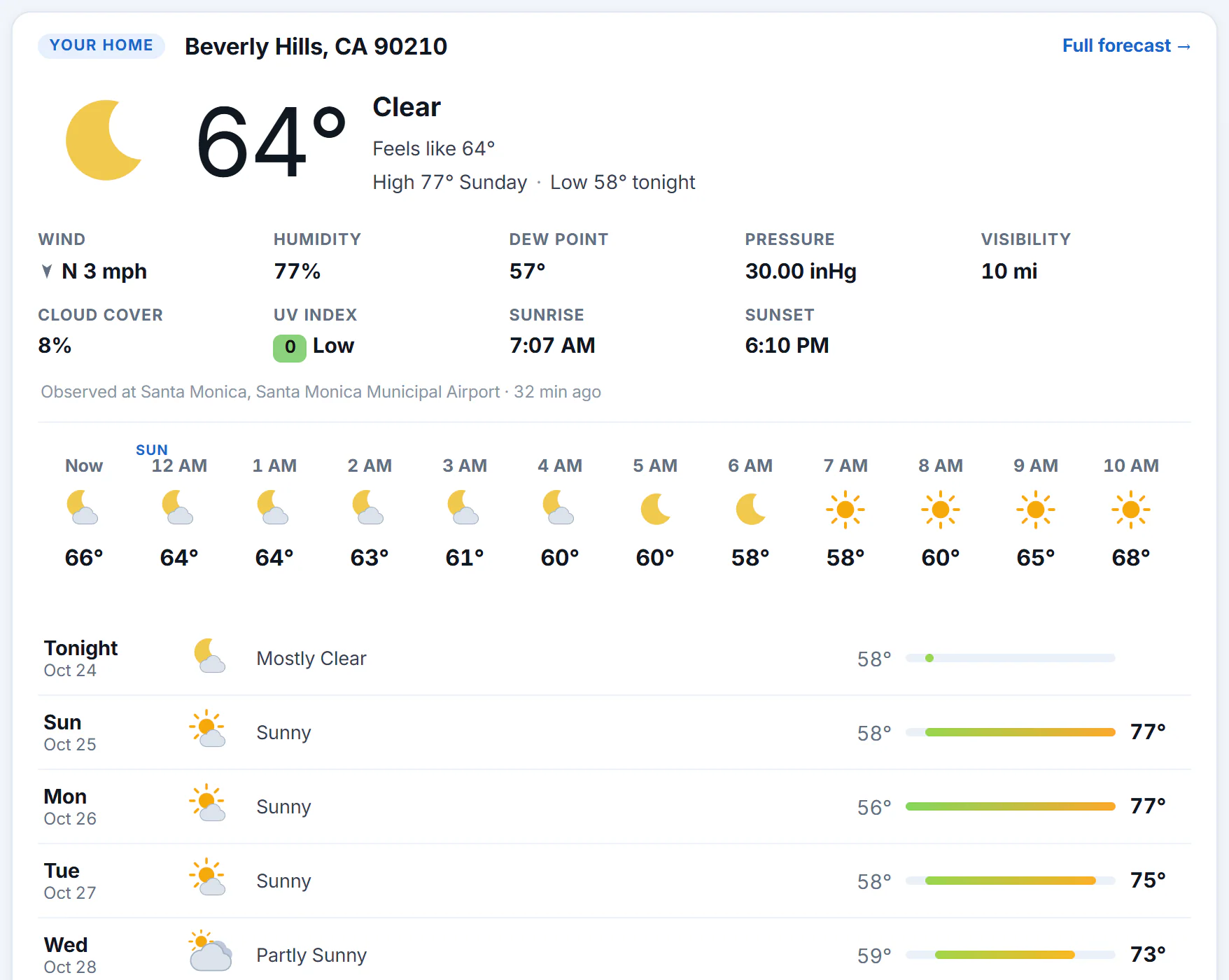
The Weather overview with a home place set.
- 1Your home place
- 2Conditions now
- 3The next hours
- 4The next days
-
The radar map in the row of Weather pages opens centered on your home place, with its pin.
-
A search for
weatheralone shows a weather box for your home place above the results. See Weather in your search results.
#Change or clear it
To change it, select Set as home on another place's page. There is only one home place, so the new one replaces the old.
To clear it, open your home place's page and select Your home. A message says the home place was cleared.
#Common questions
Can my home place be outside the United States?
Yes. Any place with a Weather page can be your home place.
Does my home place follow me to my phone?
No. It is kept in the browser where you set it. Set it again on your phone.
Is my home place the same as the places I follow?
No. You have one home place, and you can follow up to 30 other places on My places. See Follow places.
Why does the overview say "Near you" instead of "Your home"?
No home place is set in this browser, so the overview shows weather near the approximate location your connection suggests. Set a home place to keep one.